T1000-E Setup & Troubleshooting
Abstract: “How To” links for SenseCAP Card Tracker T1000E support
COMMUNITY SUPPORT – A list of useful sites and videos for setup, how to use and troubleshooting tips.
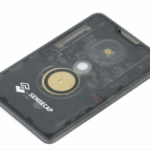
SenseCAP Card Tracker T1000E
Meshtastic / MeshCore (link)
*******************************
Seeed Studios Product Description:
SenseCAP Card Tracker T1000-E (link)
T1000E Setup & User Guide
Getting Started with T1000E (Wiki.Seeed)
Seeed SenseCAP T1000-E User Guide:
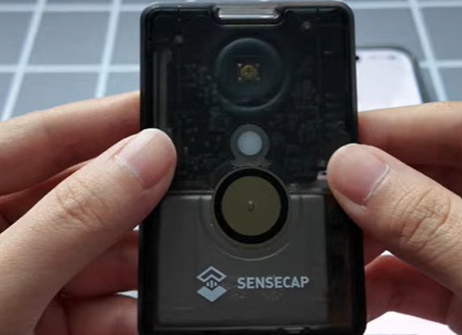
VIDEOS: Seeed SenseCAP T1000-E User Guide:
– PART 1 Unboxing & Setup
– PART 2 Status Indicators
– PART 3 Flash New Firmware
Troubleshooting Tips
COMMUNITY SUPPORT – A list of useful sites and videos for resurrecting your device after a Meshtastic App firmware update (see 2.7.14 troubles)
–
–
How to put T1000E in DFU Mode while charging cable is connected to PC via USB: Video
T1000-E Troubleshooting Instructions: Video
T1000-E: Case 1 “Boot Loop” & Case 2 “Device Bricked“
More trouble shooting help links needed. Add your comments below or contact: Support T1000E
Seeed T-1000-E Setup YouTube Video
Setup Meshtastic App: Video 1 | Video 2
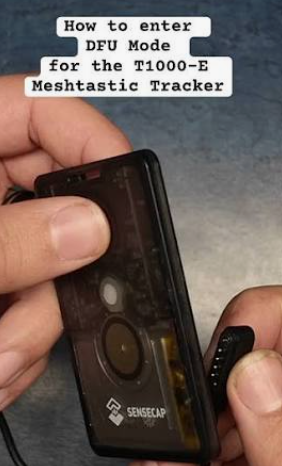
Meshtastic App Firmware Update Issues:
COMMUNITY SUPPORT – A list of useful sites and videos for resurrecting your device after a Meshtastic App firmware update (see 2.7.14 troubles)
2026-06-10: No BLE connection & no rich text formatting messages.
2026-06-11: mesh 2.7.14 can’t connect ble (Reddit Link)
2026-06-13: Resolved the BLE connection – Flashed via web flasher in DFU mode and connect to android MT app via BLE. (Reddit Link)
(More trouble shooting help links needed. Add your comments below or contact: Support T1000E)
*************************


Leave a Reply